3G Shutdown Information Hub
3G Shutdown Information Hub
Not sure if you’re affected?
Text “3G" to the number 550 to find out more information.
This is totally free and works across all networks.
If you need some more guidance, check out this handy chart below!
-
Mobile networks in Aotearoa New Zealand are turning off 3G. Any phone or device that relies on 3G will stop working once shutdown occurs.
This can affect calls, texts, mobile data and the ability to call 111.
The shutdown affects all mobile networks, not just one provider. -
Many people still use older phones, imported phone or devices that rely on 3G. Some will not realise their phone is affected until it stops working. Cost, confidence and access can make upgrading difficult. Essential devices like medical alarms and monitoring systems may also rely on 3G.
Check out our Easy Read guide from IHC by clicking here.
-
2degrees: 3G Networks are now shutdown.
One NZ: Most regions have now had their 3G shutdown apart from Waikato (24 Feb), Christchurch (3 Feb), Auckland (10 March) and Wellington (17 March); view their schedule here.
Spark: Their entire 3G network shuts down ON THE 31 March 2026
Skinny: ON THE 31 March 2026
Zeronet: from January 2026
Timing can vary by location. Phones may stop working before or after advertised dates.
-
Ask them to text 3G to 550 from their phone. This method is:
Free
No data or credit needed
Works across all networks
They will receive a message telling them if their phone will keep working. Refer to our 3G Decision Tree to help them understand and assess the response.
-
If you are supporting someone who cannot afford to upgrade or may lose access to essential services, please help them contact their mobile provider, or contact Digital Equity Coalition Aotearoa at support@digitalequity.nzor phone 022 171 9278.
We can advise on possible support options.
You can also find more resources and guides to download, share, or print below.
Here’s a fun 3G explainer video created by Spark!
Note when checking your devices:
Mobile phones aren’t the only devices that may be affected by the 3G shutdown. Many “hidden” devices still rely on 3G and may fail without warning, including medical alarms, home security systems, vehicle trackers and farm or environmental sensors.
If your device only has Wi-Fi, you’re all good. But if it has mobile data and the ability to make calls, you’ll need to check if it can stay connected.
The easiest way to check your device is to text ‘3G’ to 550 (if your device can send text messages.
Follow the link attached to check if your device will be affected by the 3G shutdown.
3G Shutdown IMEI Checker
Video guide to check if your device is ready for the 3G Shutdown:
Below is an Easy Read guide from IHC
Have a read of the guide as shown, or download copy via this link HERE.
ihc 3G shutdown easy read page 1
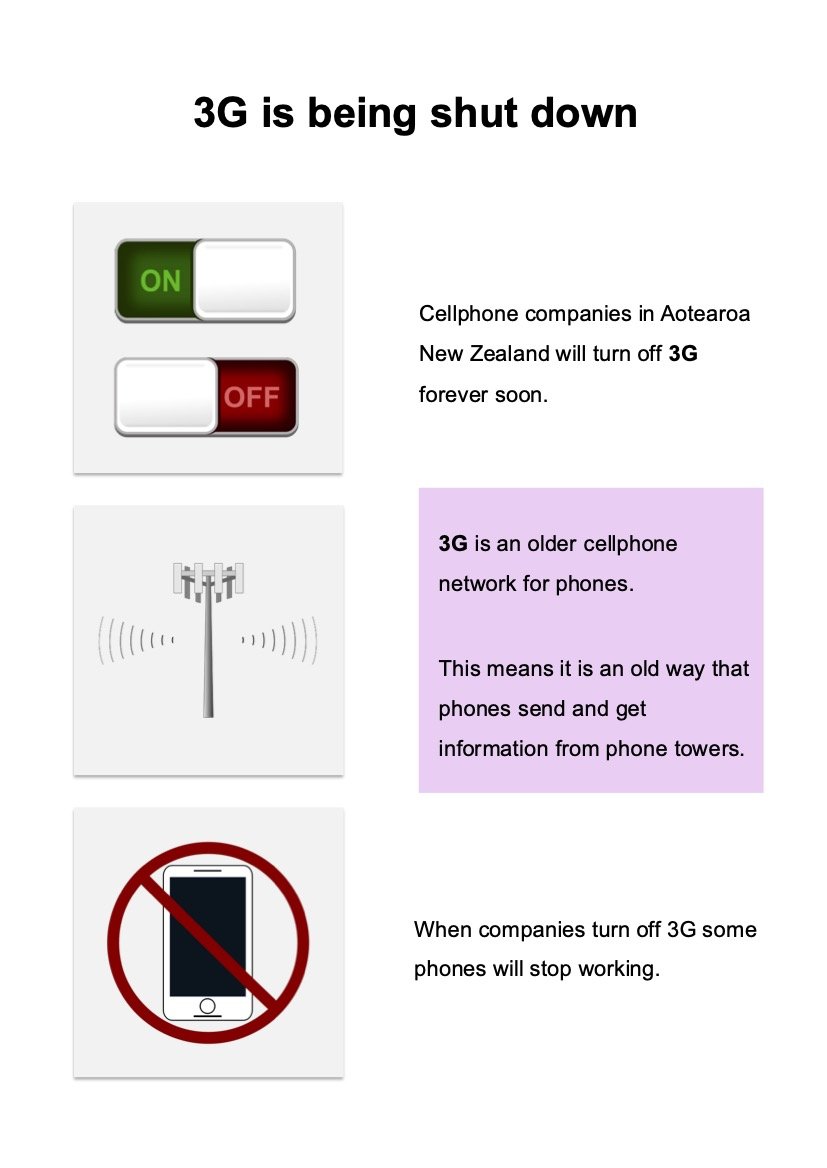
ihc 3G shutdown easy read page 2
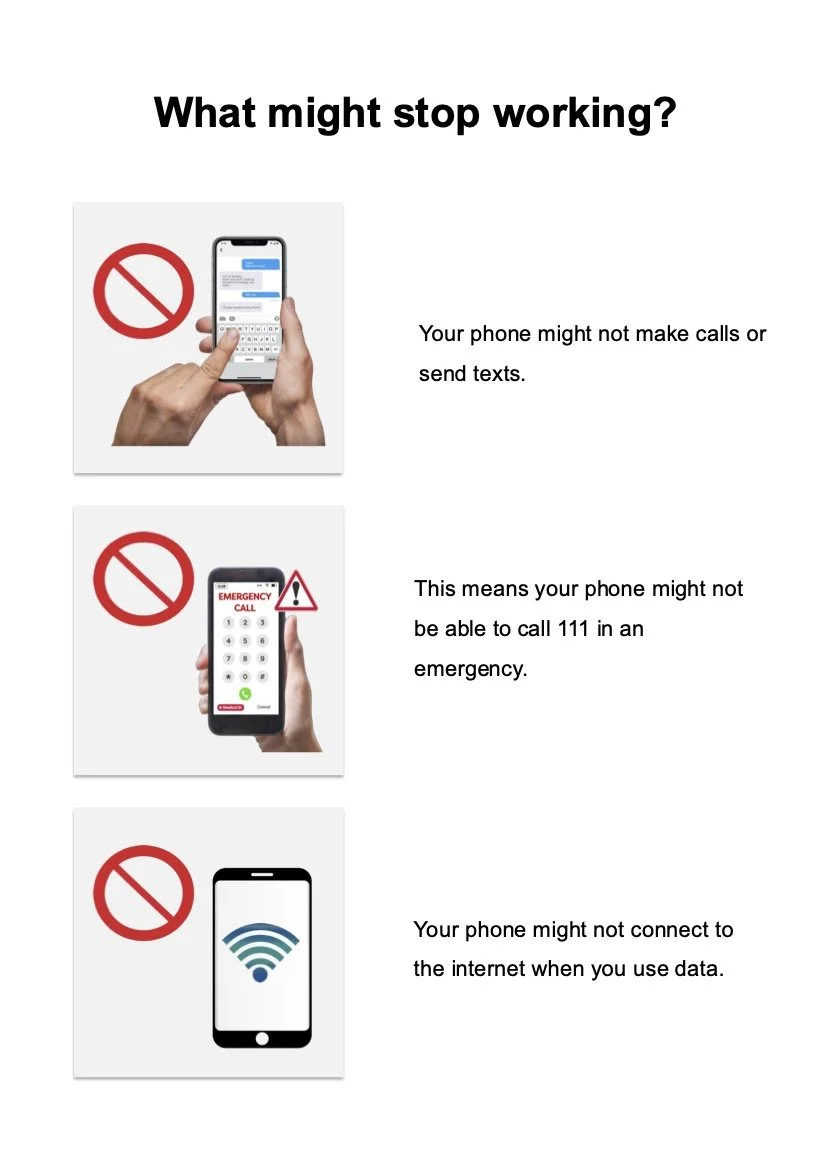
ihc 3G shutdown easy read page 3
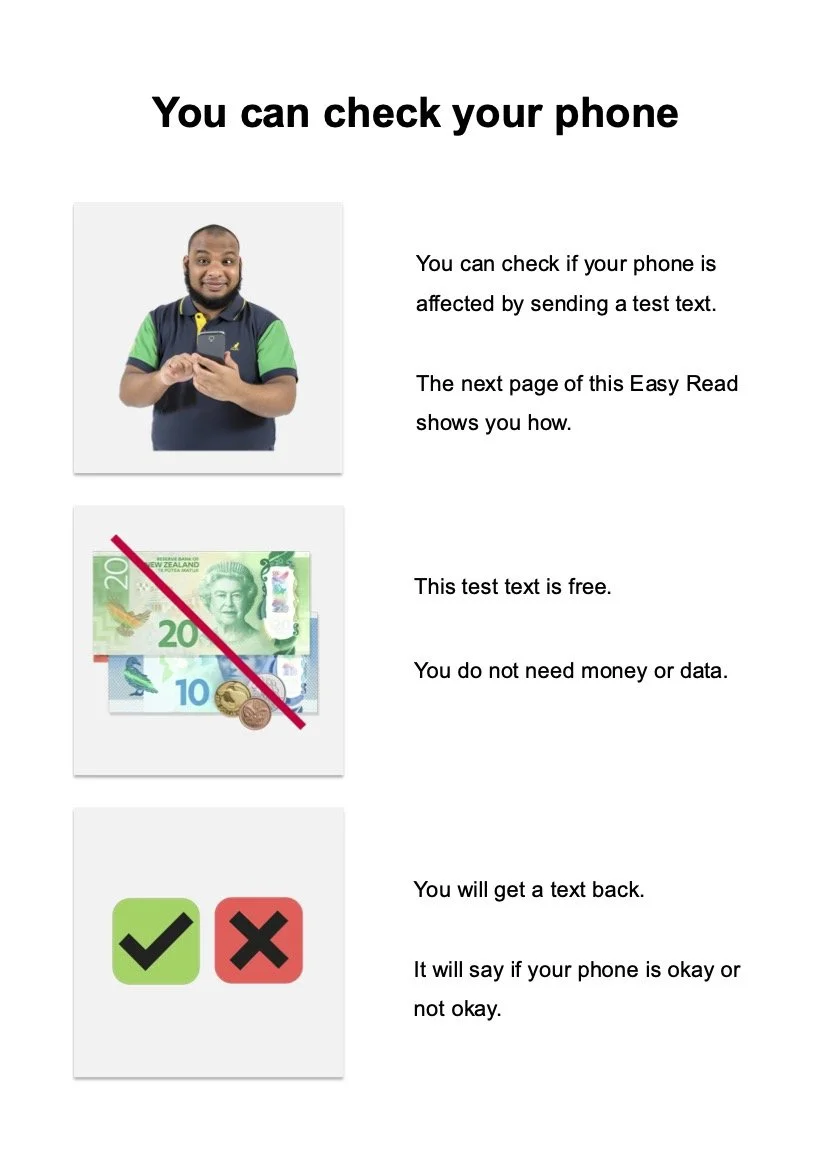
ihc 3G shutdown easy read page 4
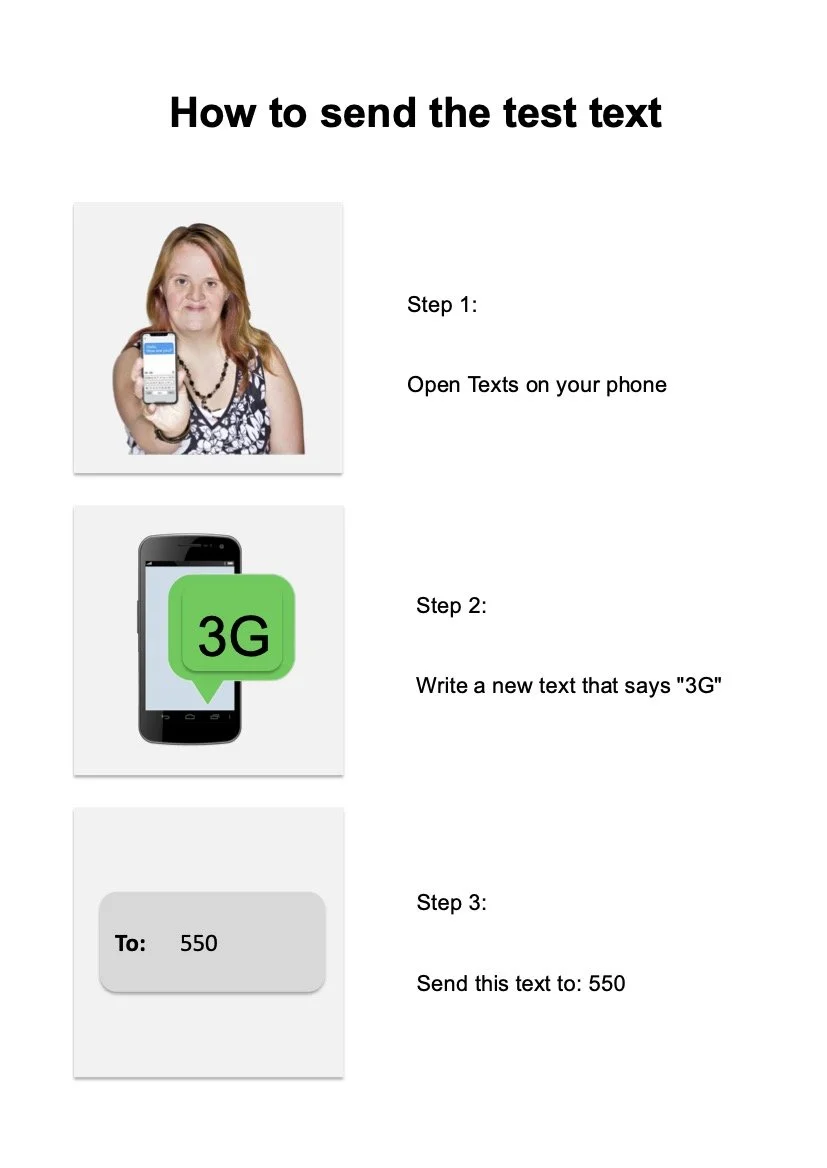
ihc 3G shutdown easy read page 5
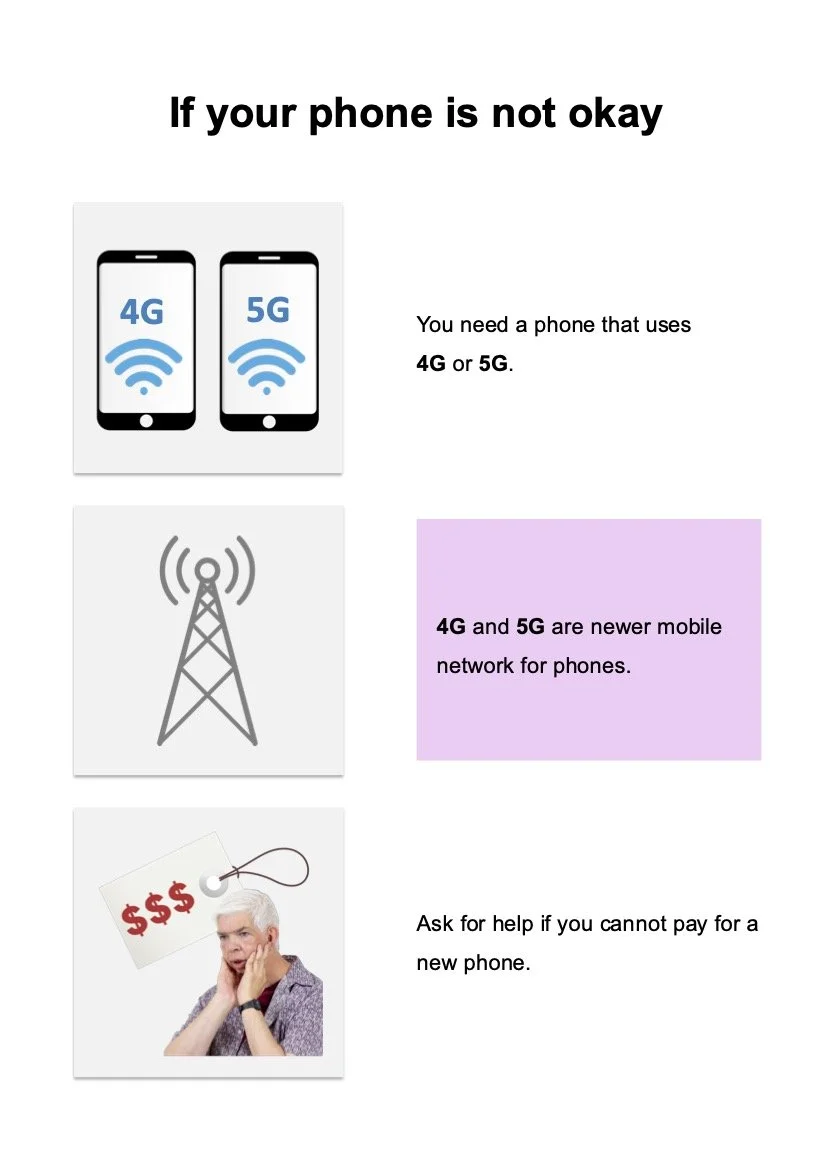
ihc 3G shutdown easy read page 6
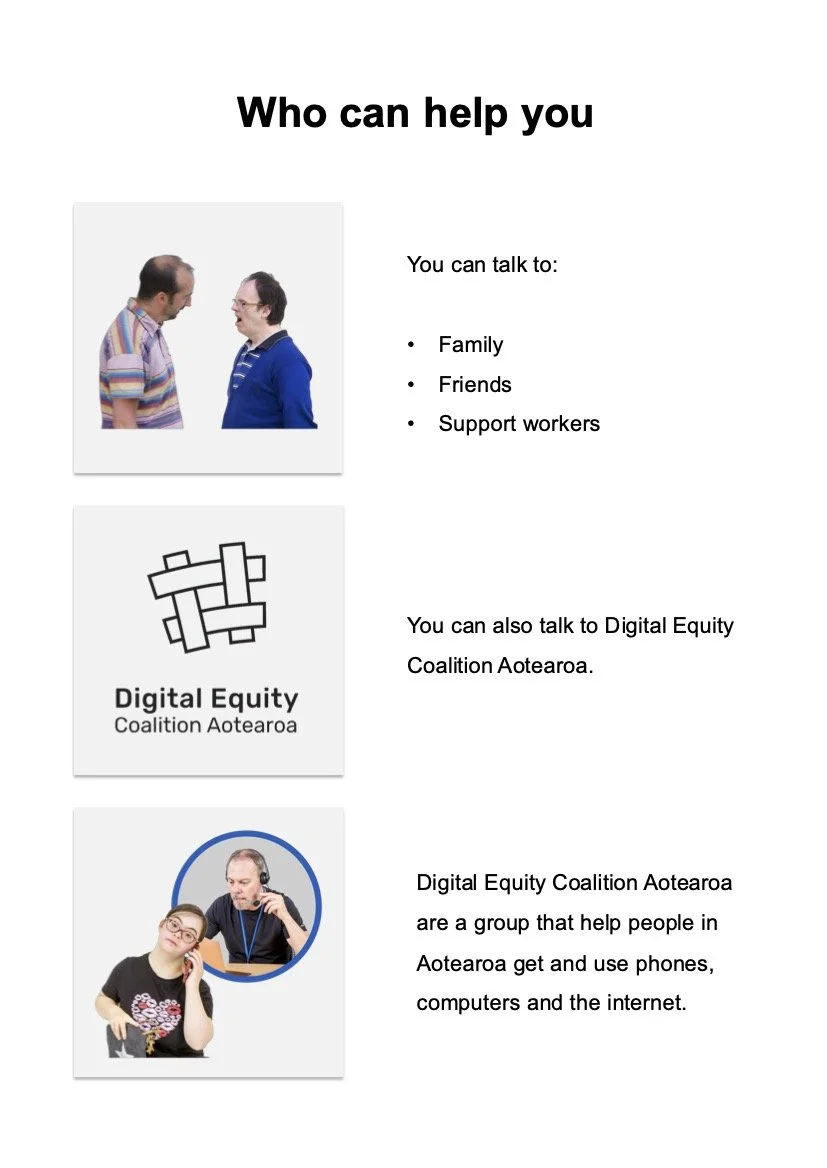
ihc 3G shutdown easy read page 7
ihc 3G shutdown easy read page 8
ihc 3G shutdown easy read page 9
If the person is not financially able to upgrade their phone, they are already Spark customers or Spark works in their area and they are at risk of losing access to call 111 in an emergency, please contact us on support@digitalequity.nz or text 022 171 9278. We may be able to provide a basic mobile phone. We have limited access to this support.
*NOTE: This information specifically refers to devices on the Spark network and there may be slight differences in responses from other telecoms.
Help someone check whether their mobile phone will still be able to make calls (including 111) after 3G shuts down.*
COMMUNITY WORKER DECISION TREE
IF THE REPLY SAYS:
STOP HERE.
START
THEN:
They need to upgrade the phone.
Your phone works on 4G.
START
The phone will have limited coverage.
IF THE REPLY SAYS:
COMMUNITY WORKER DECISION TREE
Help someone check whether their mobile phone will still be able to make calls (including 111) after 3G shuts down.*
IF the person has a mobile phone and is unsure whether it will still work after 3G shuts down.

Ask them to text 3G to 550 ( (This is free. Works on all NZ networks. No data or credit needed.)
Wait for the reply
-
Say: “Awesome, your phone works on 4G so you are all good.”
-
Say: “Great, it looks like your phone has 4G, but it’s turned off”
Tell them to check if their phone has any updates to be installed.
Then call their provider for support with how to turn on 4G for their specific phone.
Spark 0800 3G EXIT (0800 343 948)
-
Say: “This phone is going to stop working for data and/or calling after 3G shuts down”
Tell them they will need to get a new phone.
Some phones can use 4G for data but can’t make calls on 4G, including 111 calls.
Let them know they don’t need to sign up to a plan and that there are basic new phones from around $49 that will work.
Once they get a new phone, they just need to put their current SIM card into it.
-
Say: “This phone will not work on the main 4G frequency after 3G shuts down. This is common with imported or overseas phone not made for the NZ networks and can’t be fixed with settings.”
Tell them they will need to get a new phone to get full coverage.
Let them know they don’t need to sign up to a plan and that there are basic new phones from around $49 that will work.
Once they get a new phone, they just need to put their current SIM card into it.
-
Say: “Great, your phone works on 4G in NZ, but it might not work if you are traveling overseas.”
Tell them if they are planning on going overseas to a country where 3G is shutdown they will need to get a new phone to roam.
Let them know they can check on their providers website to see if the country has 3G before they go.
-
Say: “It looks like your phone is uncommon and your provider will need to run some checks with you to confirm if it will work after 3G shuts down.”
Tell them to check if their phone has any updates to be installed.
Then call their provider to so they can run some checks.
Spark 0800 3G EXIT (0800 343 948)
If the person is not financially able to upgrade their phone, they are already Spark customers or Spark works in their area and they are at risk of losing access to call 111 in an emergency, please contact us on support@digitalequity.nz or text 022 171 9278. We may be able to provide a basic mobile phone. We have limited access to this support.
IF the person has a mobile phone and is unsure whether it will still work after 3G shuts down.
Ask them to text 3G to 550 ( (This is free. Works on all NZ networks. No data or credit needed.)
Wait for the reply
They may need to update the phone to the latest software or turn on 4G data or voice.
Say: “Awesome, your phone works on 4G so you are all good.”
The phone can connect to 4G but may not work for roaming in countries where 3G has shutdown.
They are unable to confirm if the phone will work after 3G shuts down.
Say: “This phone is going to stop working for data and/or calling after 3G shuts down”
Tell them they will need to get a new phone.
Some phones can use 4G for data but can’t make calls on 4G, including 111 calls.
Let them know they don’t need to sign up to a plan and that there are basic new phones from around $49 that will work.
Once they get a new phone, they just need to put their current SIM card into it.
Say: “Great, your phone works on 4G in NZ, but it might not work if you are traveling overseas.”
Tell them if they are planning on going overseas to a country where 3G is shutdown they will need to get a new phone to roam.
Let them know they can check on their providers website to see if the country has 3G before they go.
Say: “Great, it looks like your phone has 4G, but it’s turned off”
Tell them to check if their phone has any updates to be installed.
Then call their provider for support with how to turn on 4G for their specific phone.
Spark 0800 3G EXIT (0800 343 948)
Say: “It looks like your phone is uncommon and your provider will need to run some checks with you to confirm if it will work after 3G shuts down.”
Tell them to check if their phone has any updates to be installed.
Then call their provider to so they can run some checks.
Spark 0800 3G EXIT (0800 343 948)
Say: “This phone will not work on the main 4G frequency after 3G shuts down. This is common with imported or overseas phone not made for the NZ networks and can’t be fixed with settings.”
Tell them they will need to get a new phone to get full coverage.
Let them know they don’t need to sign up to a plan and that there are basic new phones from around $49 that will work.
Once they get a new phone, they just need to put their current SIM card into it.



-
-
May
November
“3G shutdown: is your phone ready?” - Consumer
December
“2degrees to begin 3G shutdown within days, One NZ sets town-by-town timetable” - NZ Herald
“The 3G shutdown in NZ is starting. Here's what you need to know” RNZ
“新西兰即将告别3G网络,这对你有什么影响” - RNZ
How many phones will stop working after New Zealand’s 3G shutdown? - Spinoff
“One NZ boosts mobile coverage for a better-connected summer with 258 upgrades in 2025” - One NZ
“From 3G to satellite-based connectivity: What's next for 2degrees' network” - NZ Herald
Warehouse Mobile
Rocket Mobile
2degrees

SparkNZ
SparkNZ


Skinny


Zeronet
OneNZ
TCF
Looking for information from your mobile company?
OneNZ
2degrees
Skinny
Rocket Mobile
Zeronet
Warehouse
Mobile
Telecommunications Forum INC
We’ve done our best to make sure the information here is correct, but it’s just a guide. Always check with your mobile or internet provider for advice about your own situation.
The information here is for learning purposes only.
Massive thanks to Daniel Wilson for his detailed guidance over on https://3gclosure.nz/